【Print Your Own Calendar】What Photos to Choose for 12 Months? The Ultimate Guide to Desk Calendar Photo Selection
Foreword
You have decided to print your own calendar, but then you get stuck at the very first step: which 12 photos should you choose?
This is the most time-consuming part of the whole process, yet it is rarely talked about. Most guides online only talk about sizes and prices, but what really makes people give up is that overwhelming feeling when they open their photo albums. This article won't talk about the ordering process; it only focuses on the content. We will share theme ideas for the 12 months, 5 content strategies for desk calendars, and what types of photos will look bad in a small layout.
If you want to know more about the current designs, sizes, and prices of Fotomax desk calendars, please visit our Personalized Desk Calendar Page.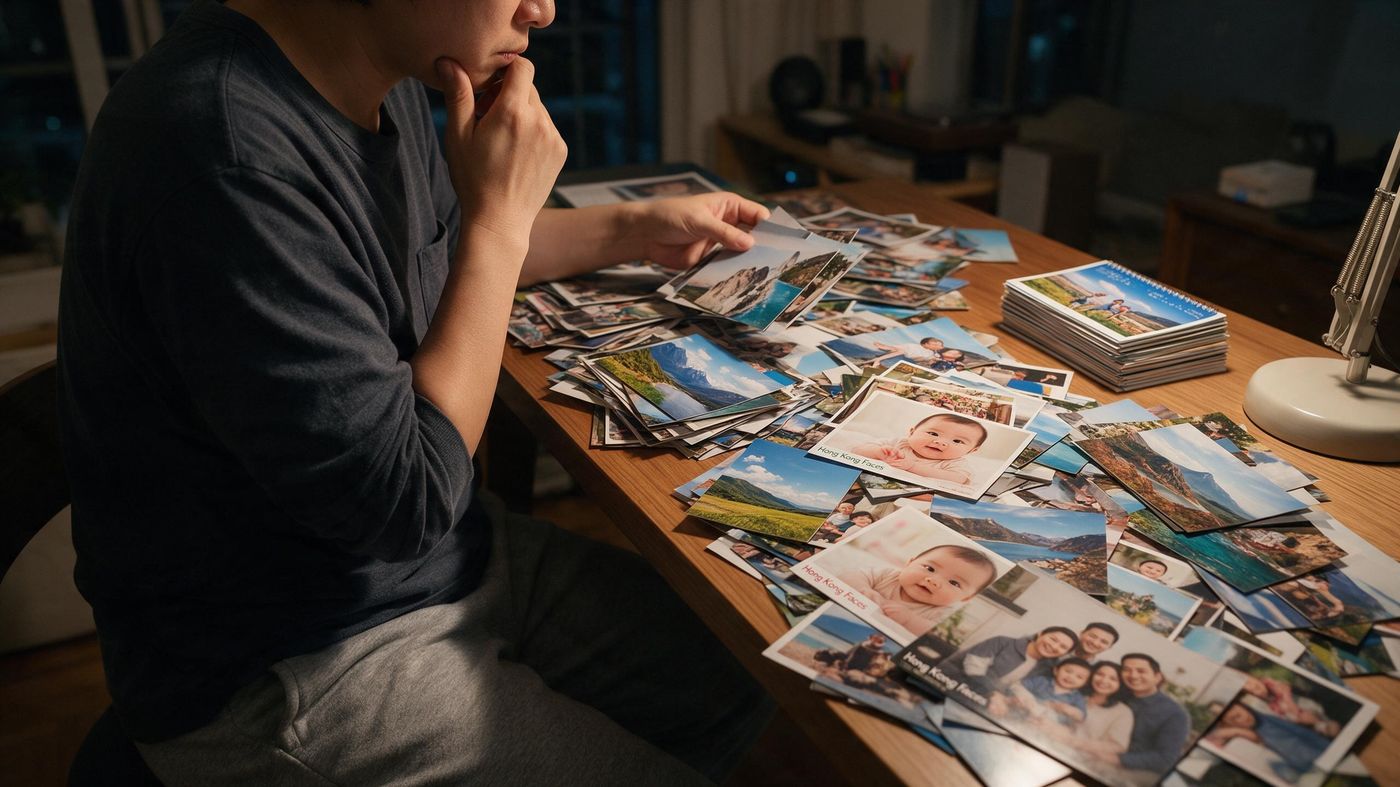
1. Why do you need to set a theme first?
Because without a theme, your standards will keep changing—this is the real reason why people give up on choosing photos.
When you open a year's worth of photos, thousands of them look great in their own way. Without a theme, you might want to use a nice landscape one minute, a picture of the kids the next, and then think you should include a family portrait. After a few nights of going back and forth, you only have three photos selected.
With a theme, your standard becomes one simple question: "Does this photo fit the theme?" The answer is just yes or no.
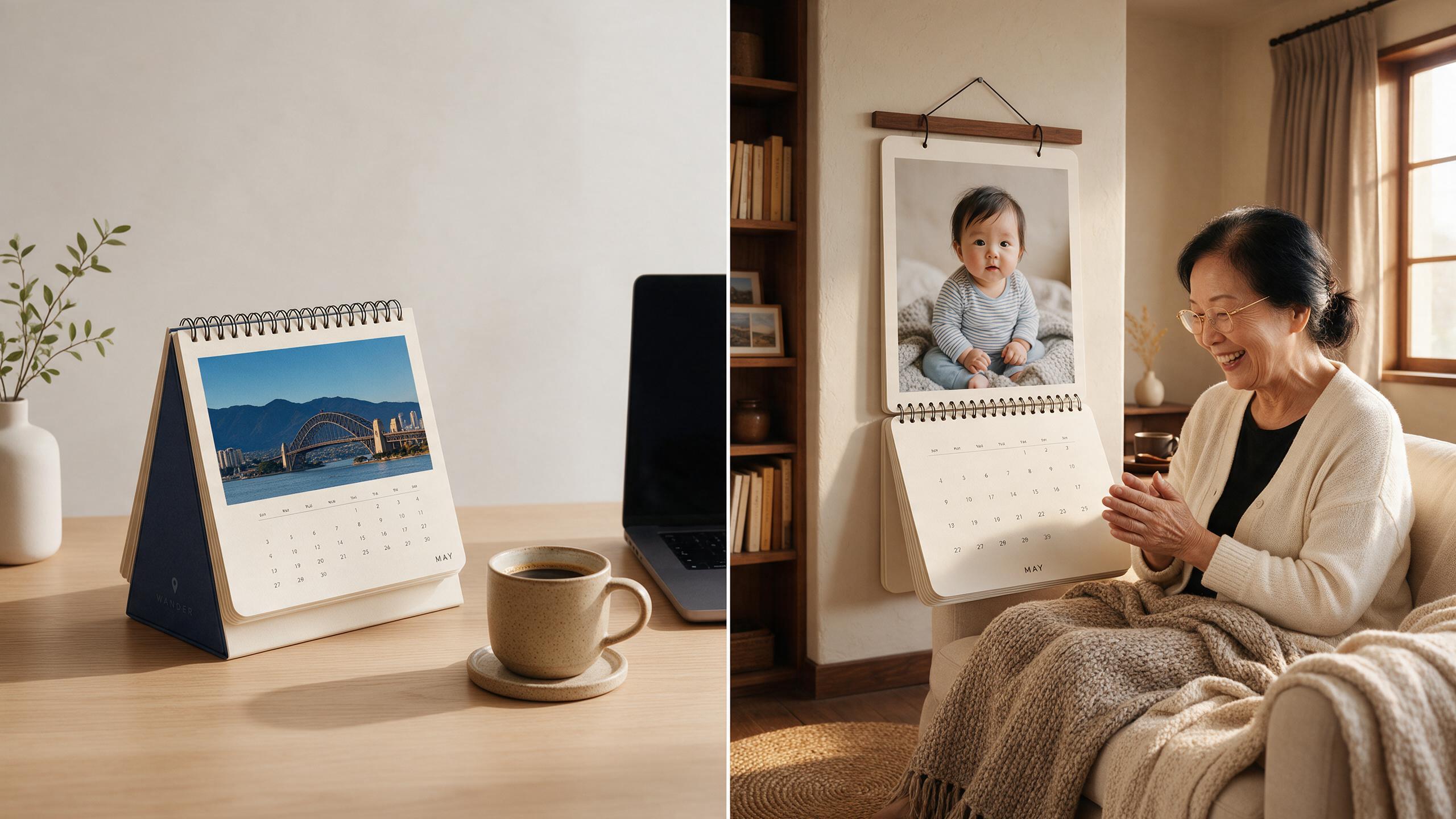
The theme also depends on who the calendar is for. A "Family Year-in-Review" is great for parents; a "Travel" calendar is perfect for your own office desk; a "Baby’s Growth" calendar is an ideal gift for grandparents. Think about whose desk or wall this calendar will end up on, and the theme will naturally come to you.
2. Five desk calendar themes and photo selection strategies
Here are the 5 most common and successful themes:
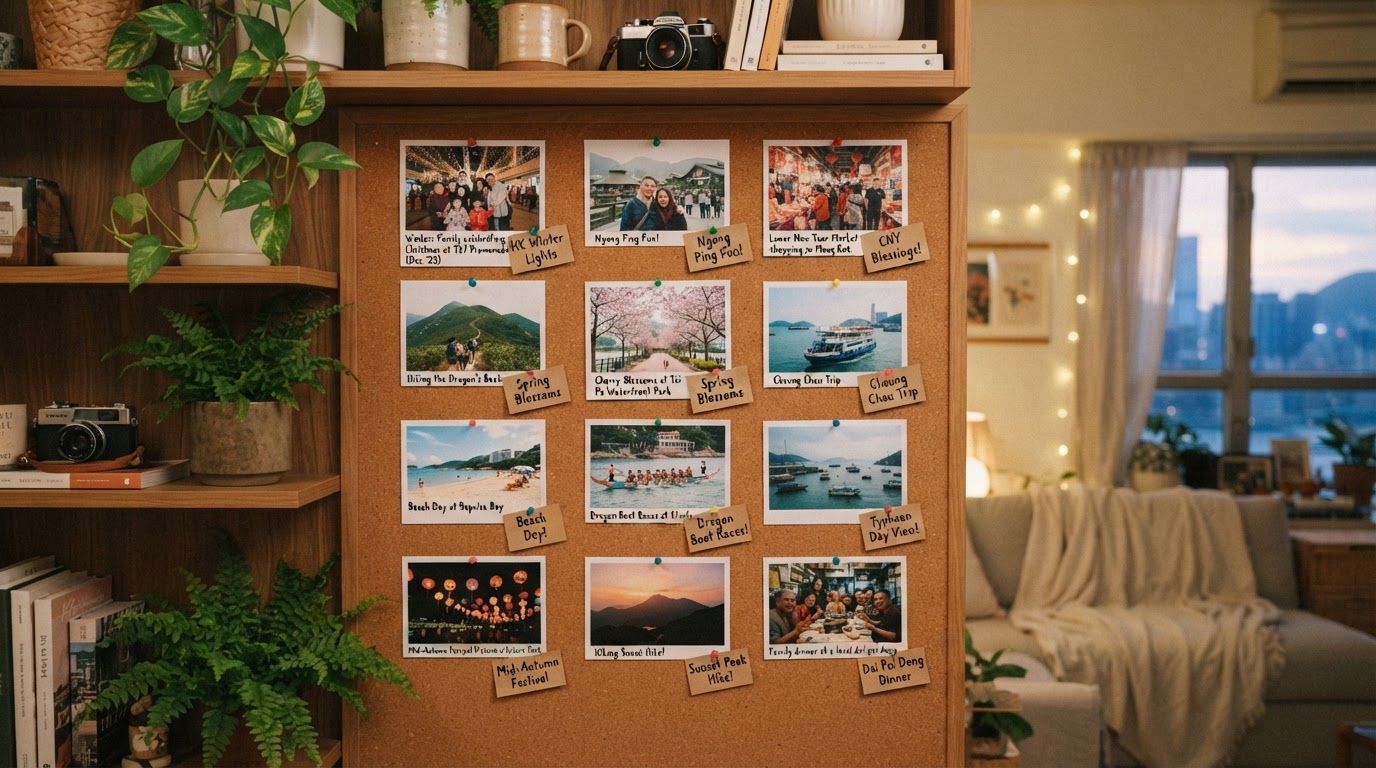
Family Year-in-Review: The safest choice. The strategy is to "find one event per month"—New Year's dinner in January, a birthday in March, summer vacation in July, Christmas in December. If nothing special happened in a certain month, just use a daily life photo; it actually feels more authentic.
Travel: Two ways to do this: split one long trip across 12 months, or feature different trips throughout the year. Make sure you don't just use 12 landscape photos—add pictures of people and food to really bring back the memories.
Pets: Pets don't age visibly month by month, so strict chronological order isn't necessary. Instead, arrange by seasons or scenarios: sleeping, playing, going out, or holiday outfits.
Baby’s Growth: The only theme that must be in strict chronological order, because the changes are the main focus. If you start from the year the baby was born, the month-by-month changes will deeply touch the grandparents receiving it.
Couples' Memories: We recommend mixing photos from when you first met, early dates, and recent times, rather than just using photos from the past year. The span of time tells a great story.
| Theme | Content | Best Gift For |
|---|---|---|
|
Family Year-in-Review |
Holidays, birthdays, and gatherings throughout the year |
Parents, elders, siblings |
|
Travel |
One big trip or several small trips |
Yourself, travel buddies |
|
Pets |
Daily life and the four seasons of your furry friends |
Yourself, animal-loving friends |
|
Baby’s Growth |
Month-by-month growth record |
Grandparents, relatives |
|
Couples' Memories |
A year in the life of a couple |
Your partner |
3. Month-by-month inspiration list
How to use this: You don't need to fill in every single box. Fill in the obvious months first and then go to your photo album to find pictures for the remaining blank spots. This is much faster than scrolling from start to finish.
|
Month |
Hong Kong Context |
Photo Inspiration |
|
January |
New Year's Day, A New Year |
Countdowns, the first day of the year, cozy indoors |
|
February |
Lunar New Year, Valentine's Day |
Reunion dinners, family visits, couple photos |
|
March |
Spring, warming up |
Picnics, flower seasons, outdoor activities |
|
April |
Easter |
Short trips, family gatherings |
|
May |
Mother's Day |
Photos with Mom, family dinners |
|
June |
Father's Day, before summer break |
Photos with Dad, graduations, end of the school year |
|
July |
Mid-summer, summer vacation |
Beaches, traveling, indoor activities to escape the heat |
|
August |
Second half of summer vacation |
Summer fun, birthday parties |
|
September |
Back to school |
First day of school, uniform photos, new school year |
|
October |
Mid-Autumn Festival, National Day |
Moon gazing, lanterns, family gatherings |
|
November |
Cool autumn breeze |
Hiking, outdoors, autumn colors |
|
December |
Christmas, New Year's Eve |
Christmas decorations, parties |
4. What photos are NOT suitable for a desk calendar?
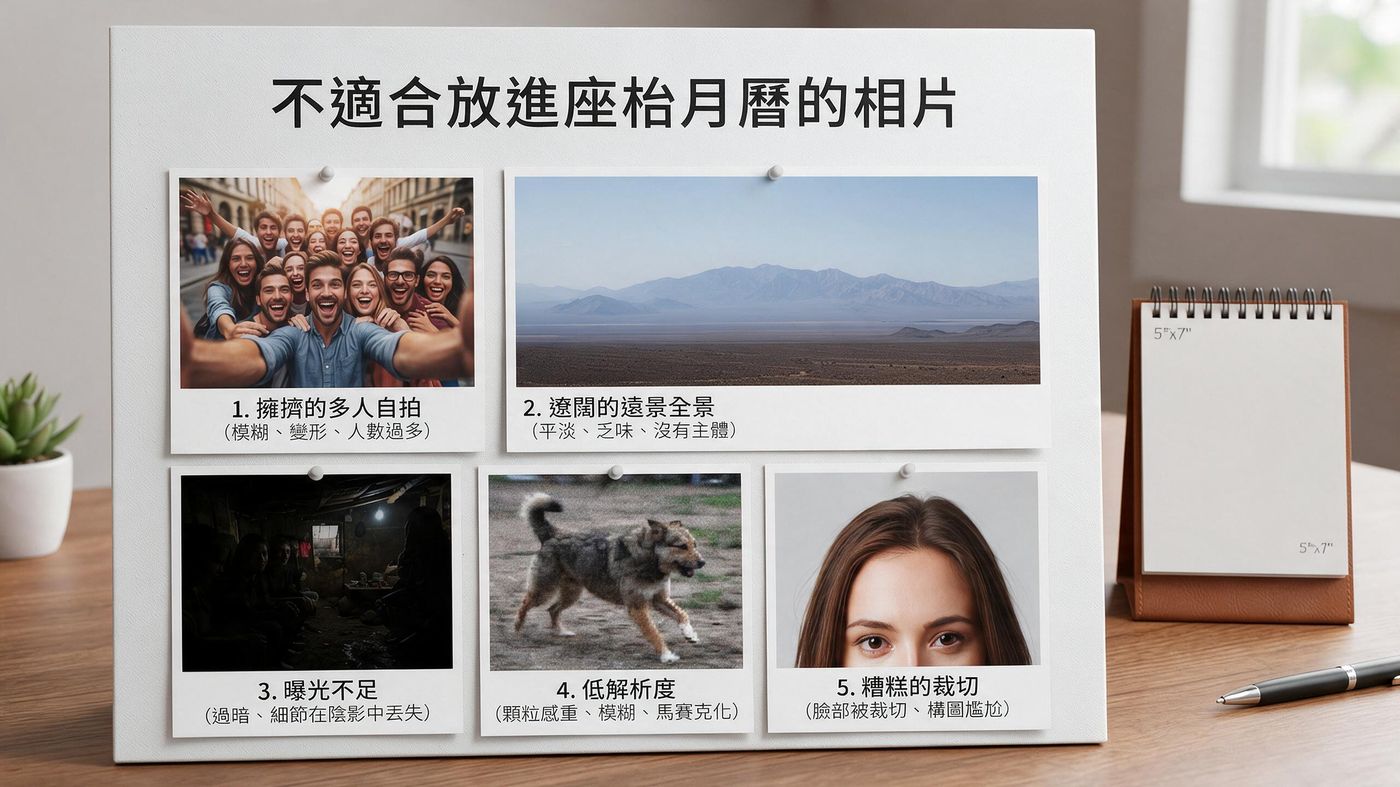
The page size of a desk calendar is only about the size of a postcard. The following 5 types of photos will definitely look disappointing when printed:
-
Large group photos (10+ people): Every face will be only a few millimeters wide, making them unrecognizable. Save large group photos for photo enlargements or photobooks.
- Wide landscapes and big scenes: Grand landscapes look beautiful on a phone, but shrink into a blurry block of color on a desk calendar. Use close-ups or photos with a clear main subject instead.
- Dark photos: Screens light up; paper does not. A photo will usually look one or two shades darker when printed. Turn your phone's brightness to the lowest setting and look at the photo again—if it is still clear, it passes the test.
- Photos sent via messaging apps: WhatsApp and Instagram compress images, which means details are already lost. You must use the original file from your phone's camera roll.
- Subjects too close to the edge: A small amount of the edges will be trimmed during printing. If the subject is too close to the edge, it might get cut off. Leave some breathing room when choosing photos.
5. What should you put on the cover?
ou have three choices, depending on who the calendar is for:
- The most representative photo: A great family portrait, a couple's photo, or the best picture of your pet. This is the safest choice.
- An abstract or mood photo: A landscape, a close-up detail, or a textured shot. Great for personal use or for a colleague, as it is more low-key.
- A collage: Combine a few small photos to act like a "movie trailer" for the year. Great for themes that cover a lot of different events.
Add the year and a short phrase: "2027" plus a short phrase (like "Our Year") instantly turns a stack of photos into a storybook.
6. The practical steps to choosing photos
This process can shorten "three nights of scrolling" into just one night.
-
Step 1: Use the 12-month list above and write down "what happened this month" for each month. Use words first, don't open your photo album yet. Your memory will tell you which days were important.
- Step 2: Open your photo album with this list in hand. Jump directly to those specific dates. Do not scroll from the beginning to the end.
- Step 3: Pick 1 or 2 candidate photos for each month, totaling about 20 photos. Don't overthink it at this stage; just collect them all first.
- Step 4: Look at the 20 photos side-by-side. When you compare them together, it becomes instantly clear which ones are good and which ones aren't.
- Step 5: Check the brightness and composition. Replace any unqualified photos with your backups.
7. Frequently Asked Questions (FAQ)
Q1. Do I have to use exactly 12 photos?
Usually, it is 13 photos (1 per month + 1 cover). However, most Fotomax desk calendars offer various layout designs. You can choose to put more or fewer photos per page depending on your preference, and you can also add extra photo frames.
Q2. Can I mix black-and-white photos with color photos?
Yes, and it looks great! But we recommend having a rule—for example, making all the pages color and only the cover black-and-white, rather than mixing them randomly.
Q3. Can I use old physical photos?
Yes, just scan them into digital files first. This is a very popular way to make a memorial calendar for older relatives.
Q4. Is the resolution of a phone photo high enough to print?
Yes, absolutely. The resolution of original phone photos is more than enough for a desk calendar, but you must use the original files.
Q5. What if I don't have 12 photos?
You can use different photos from the same event for multiple months, or insert "filler" shots like landscapes, food, or objects to balance the pacing.Q6. Can I mark my own important dates?
Yes, most of our designs allow you to add text and photos to mark special dates.
Q7. When should I start preparing if I want to print my own calendar?
We recommend starting to choose your photos in September or October. The actual production time for Fotomax desk calendars depends on the information provided when you place your order. It is best to leave extra time during the peak season.
A Whisper from the Fotomax Editor
We have met many customers who only planned to make a simple calendar but ended up laughing and crying as they looked back at the past year during the photo selection process.
Because when you look through a whole year's photo album, you see many days that felt ordinary at the time—a random dinner, a casual afternoon snapshot. The finished calendar is beautiful, but the process of reliving that year is the true gift.